
No brand influence
Brands and manufacturers don't determine our scores.

Scan. Learn. Choose Better.
See the score, ingredients, additives and dietary flags in seconds.

Built for people, not brands.
Brands and manufacturers don't determine our scores.
Understand what goes into every Melon Score.
We inform your choices, never tell you what to eat.
Understand the score. See what matters to you.
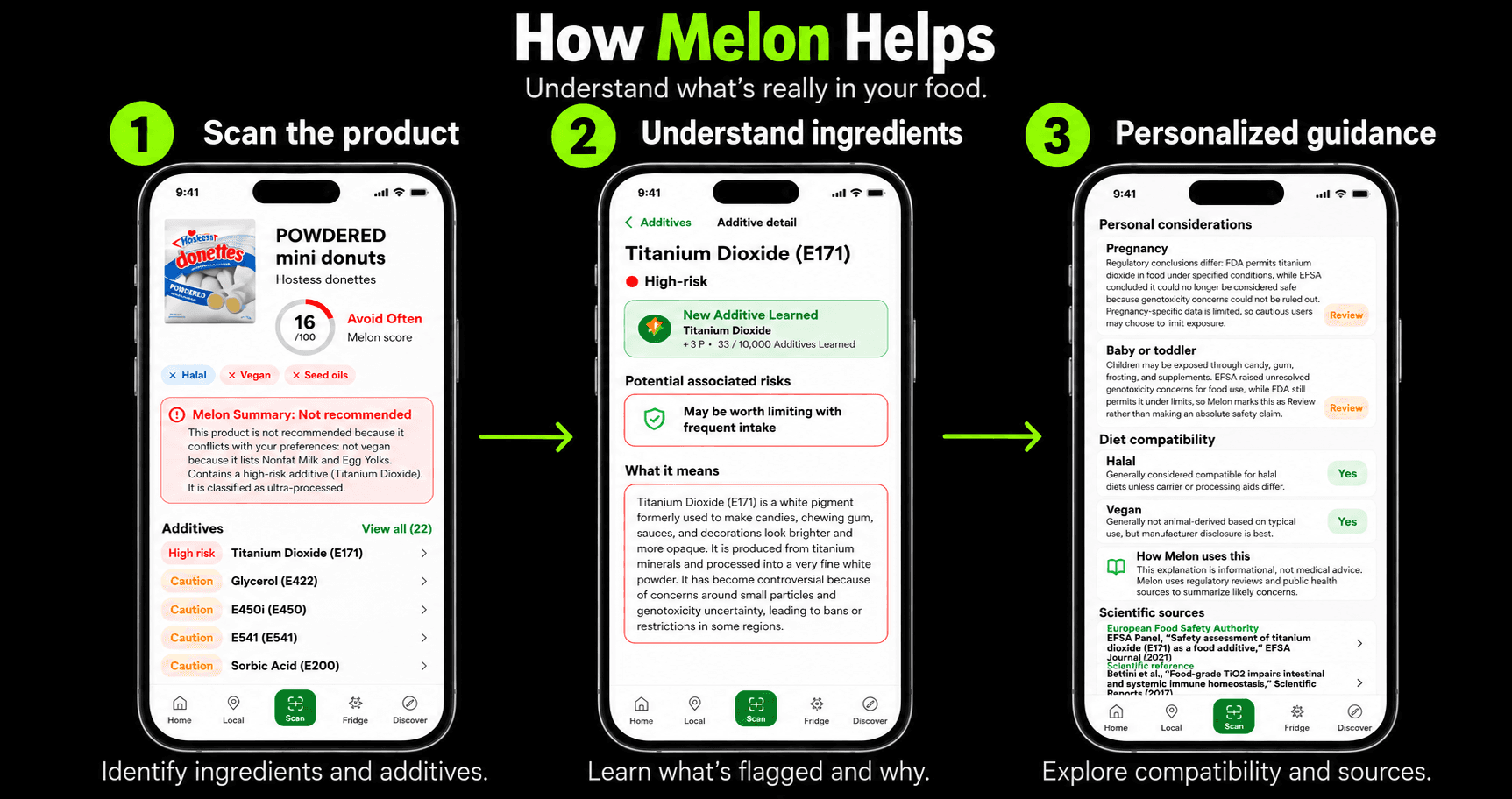
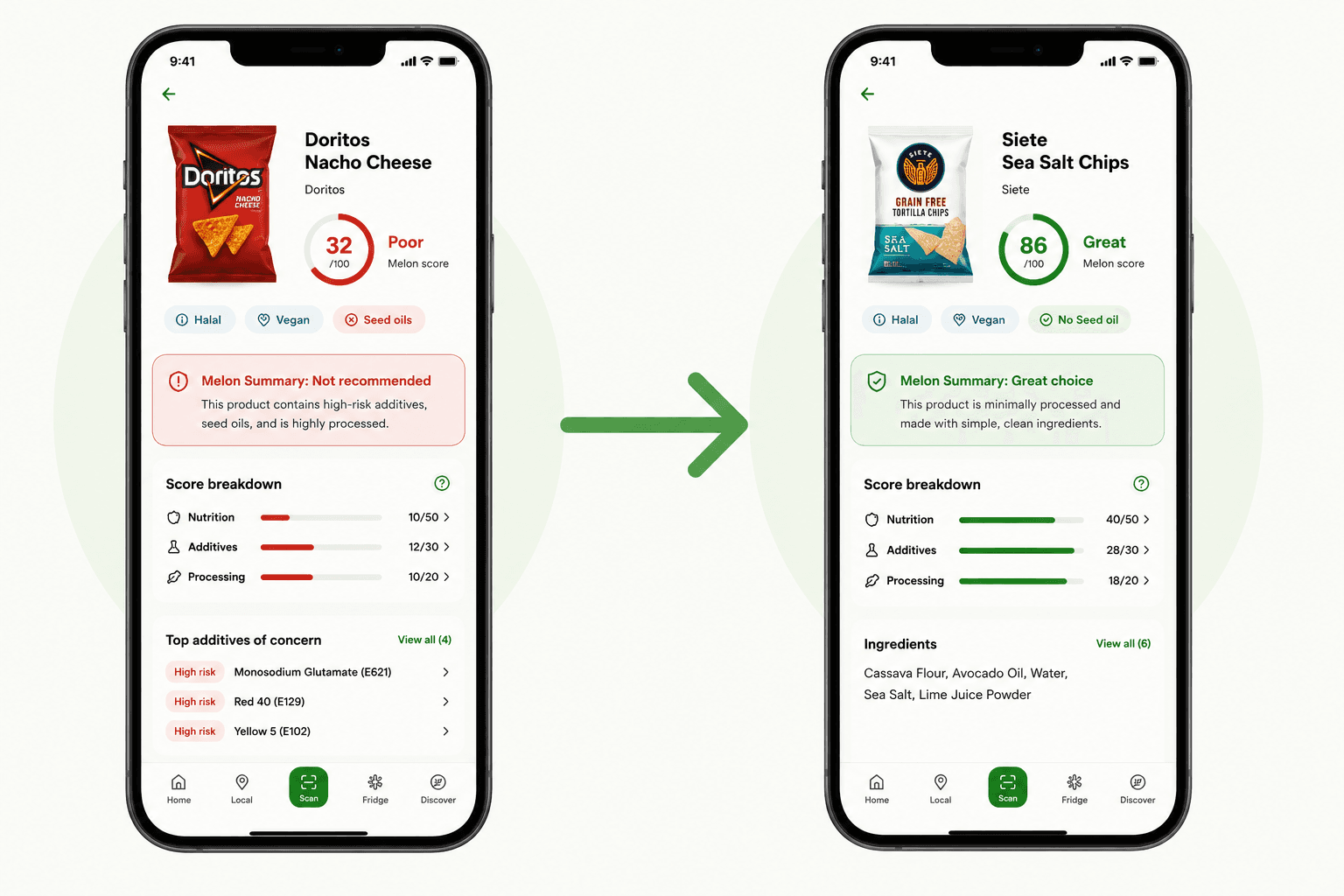
Product comparison
Compare products side by side with the score, ingredients and additives in view.
How it works
Scan the product barcode.
See the score, ingredients and additives.
Check whether it fits your preferences.
Preferences
Melon uses your choices to flag products that may not match your diet, allergies or religious food preferences.
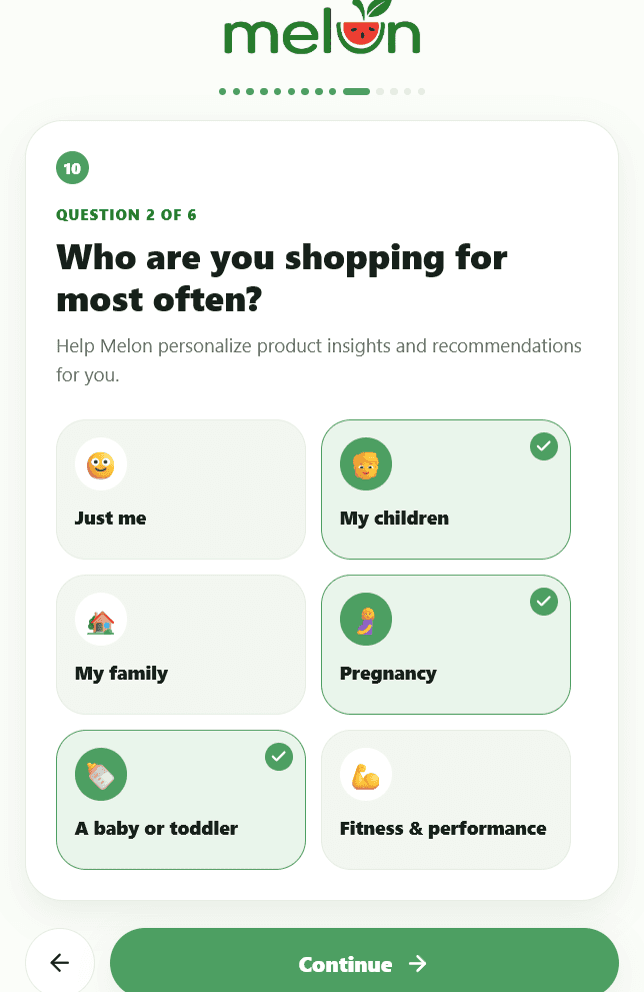
Melon learns whether you shop for yourself, children, pregnancy, or family needs.
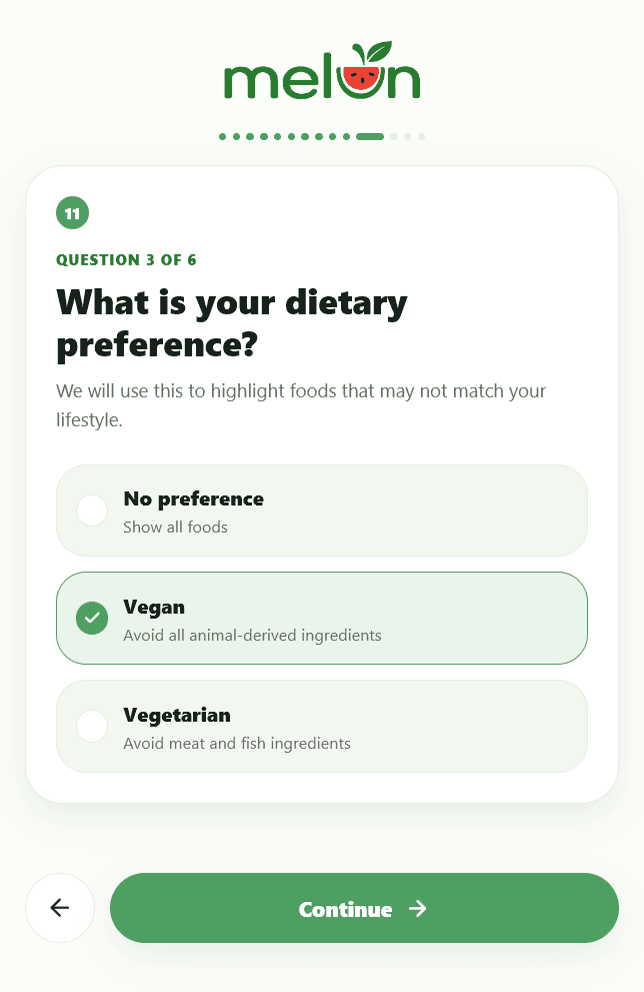
Lifestyle preferences help Melon highlight foods that may not match the way you eat.
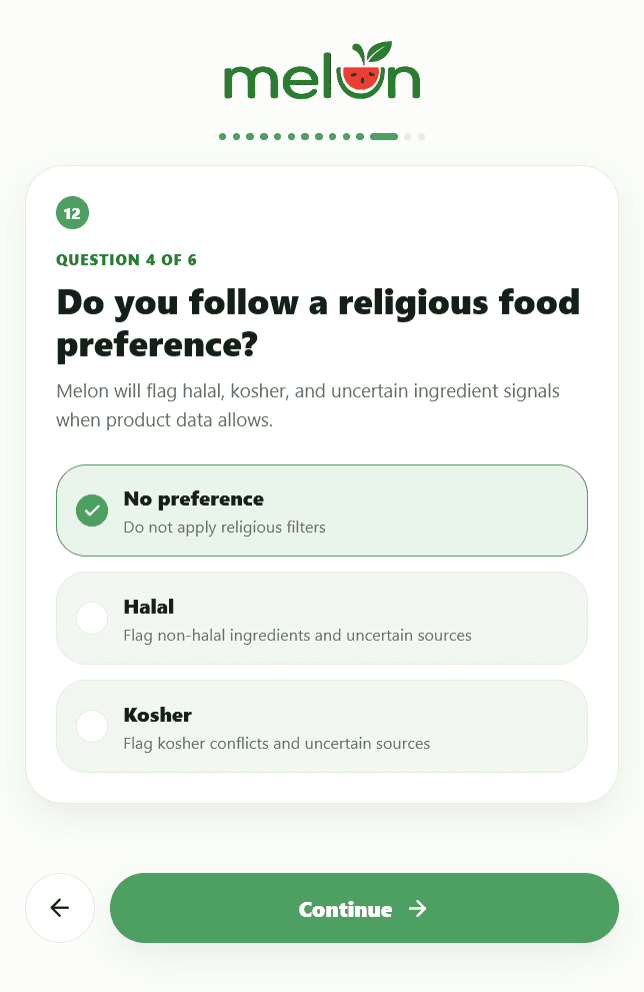
Halal and kosher filters surface conflicts and uncertainty when product data allows.
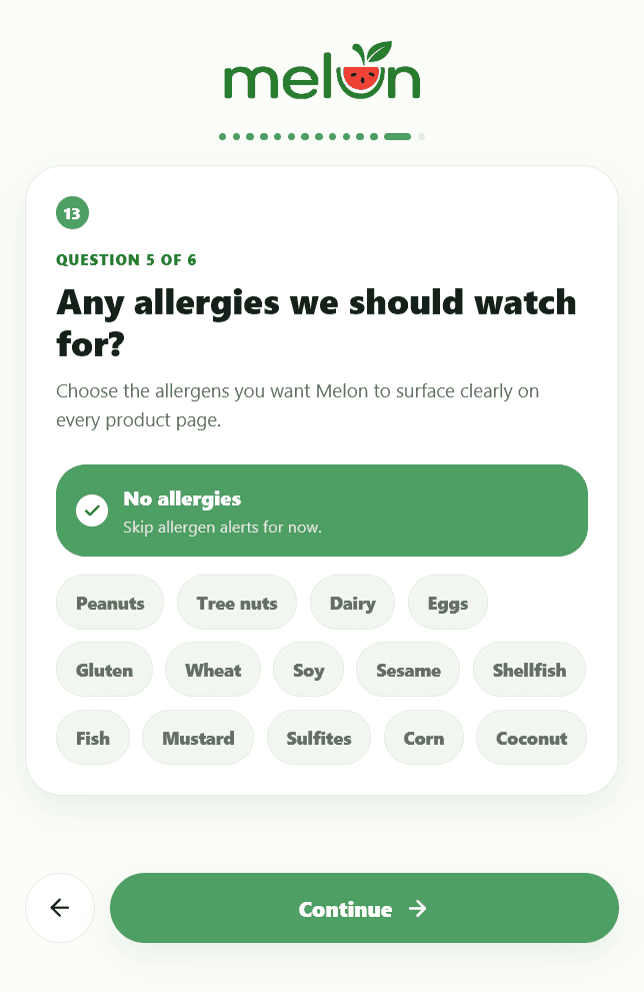
Allergen choices make important label signals easier to spot on every product page.
Bring allergen concerns into every label scan.
See vegan, vegetarian, seed oil, and nutrition context quickly.
Flag halal, kosher, and uncertain ingredient signals when data allows.
Spot products that deserve a closer look for family shopping.
Surface ingredients and additives worth reviewing carefully.
Call out common seed oils when they appear in ingredient lists.
Built for the aisle
Melon keeps the product page focused on the score, the label and the preferences that matter at checkout.
Food labels translated into plain language
Scores weighted across nutrition, additives, and processing
Designed for families, students, and health-conscious shoppers
Frequently Asked Questions
What Melon does, how scoring works and what to do when product data is missing.
Melon is a food transparency app that helps you better understand the products you buy. Simply scan a barcode to receive a personalized health score, ingredient and additive insights, dietary compatibility, and healthier alternatives, all in seconds.